How tickets appear
When bar or waiter sends kitchen-bound lines, the board gets a ticket with qty and titles. Table holds send only the delta so repeats do not double-fire.
Kitchen shows fire tickets when food (or kitchen-flagged) items are sold or held from POS and Waiter. Staff bump tickets through the board so the floor knows what is cooking — same venue DB, no separate kitchen app install.
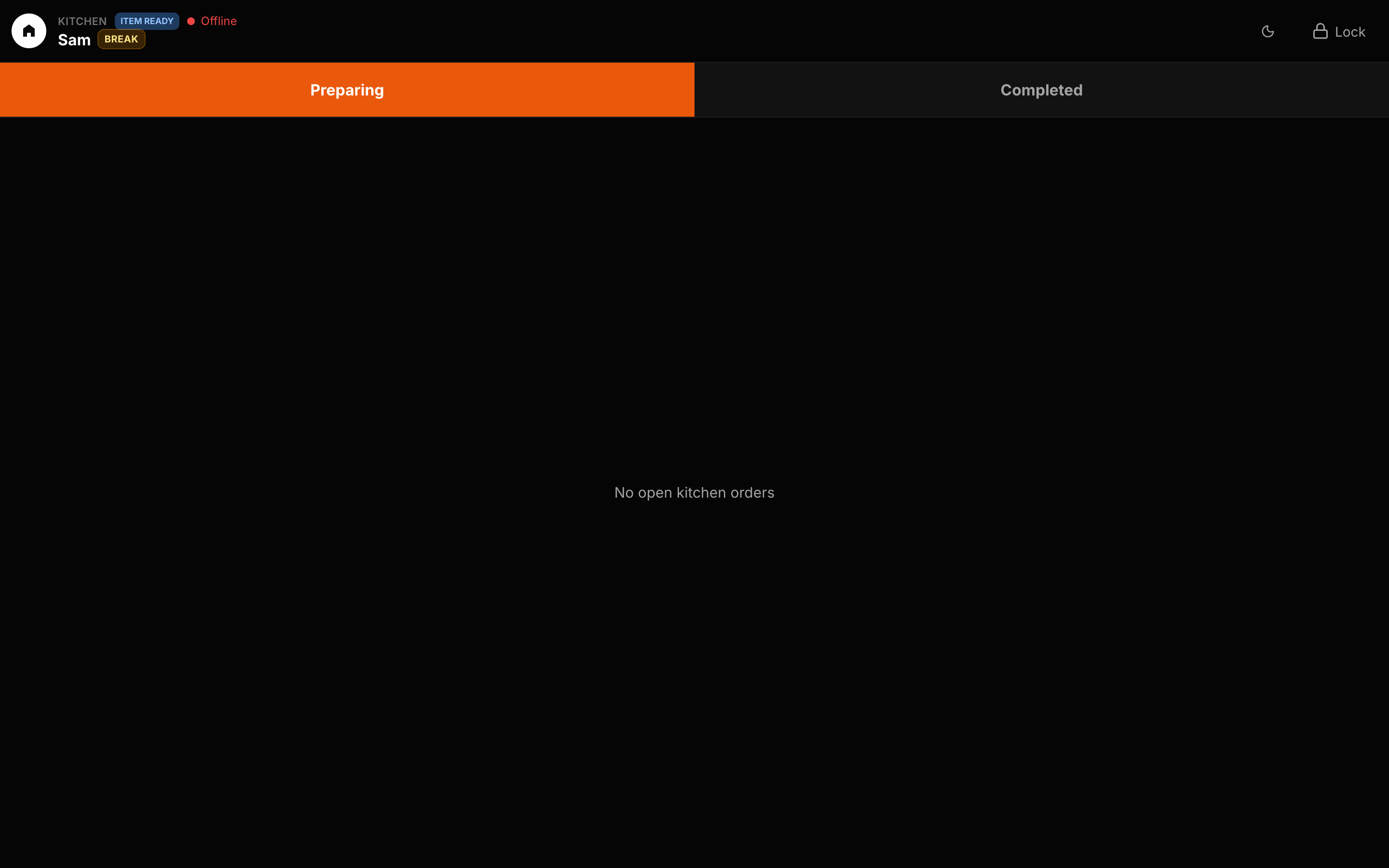
Concrete capabilities from the live Hubumo build — not a generic feature list.
When bar or waiter sends kitchen-bound lines, the board gets a ticket with qty and titles. Table holds send only the delta so repeats do not double-fire.
In Manager Settings choose Ticket mode (bump the whole ticket) or Item mode (tap each product ready). Same board, different floor pace.
POS and waiter keep selling; kitchen only cares about what needs to be cooked. Day logs keep the history if you need to look back.
Unlock Kitchen on a kitchen tablet.
POS / Waiter send kitchen lines.
Tap tickets through preparing → ready.
UI previews of the real surfaces — till, door, manager, displays — so you can see options and steps before opening the app.
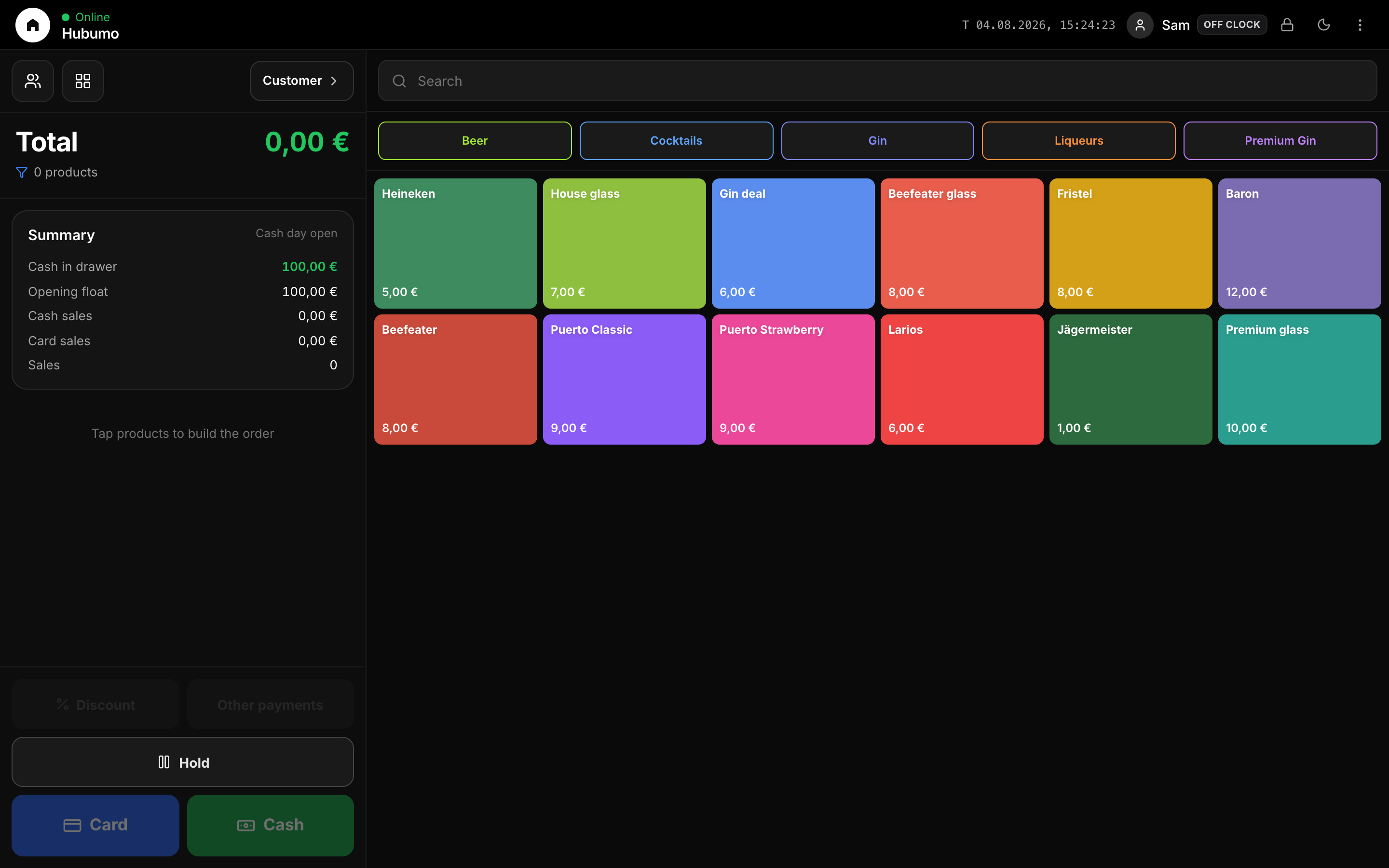
Log in to Manager to run the night, or browse every other module from the full features list.