Why a hub
Clubs lose sales when the public internet blips. The hub keeps the same apps on the LAN. Cloud remains the backup and remote access path.
Optional venue hub: a Pi on club Wi‑Fi serves venue.yourdomain with local DNS. Staff keep POS/door/kitchen online offline. When internet returns, bidirectional sync mirrors sales, members, catalog, tables and more with the cloud.
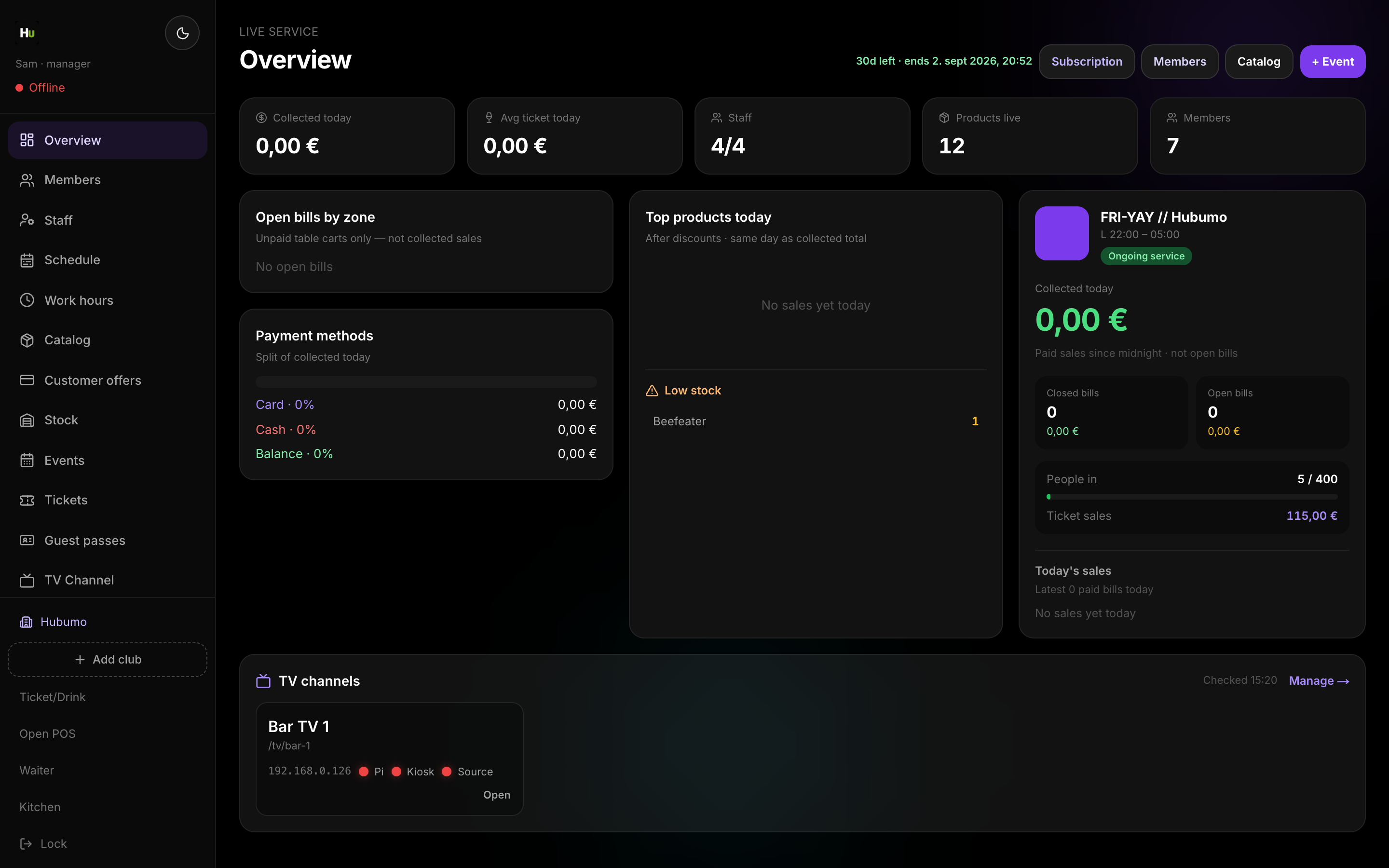
Concrete capabilities from the live Hubumo build — not a generic feature list.
Clubs lose sales when the public internet blips. The hub keeps the same apps on the LAN. Cloud remains the backup and remote access path.
Every business write mirrors both ways — products, members, tickets, tables, kitchen, cash days — so hub and cloud stay identical.
Install the club VPS on your domain.
Run the Pi installer with venue.* + sync secret.
Venue Wi‑Fi DHCP DNS → Pi; public A → cloud.
Sync Let’s Encrypt from cloud onto the Pi.
UI previews of the real surfaces — till, door, manager, displays — so you can see options and steps before opening the app.
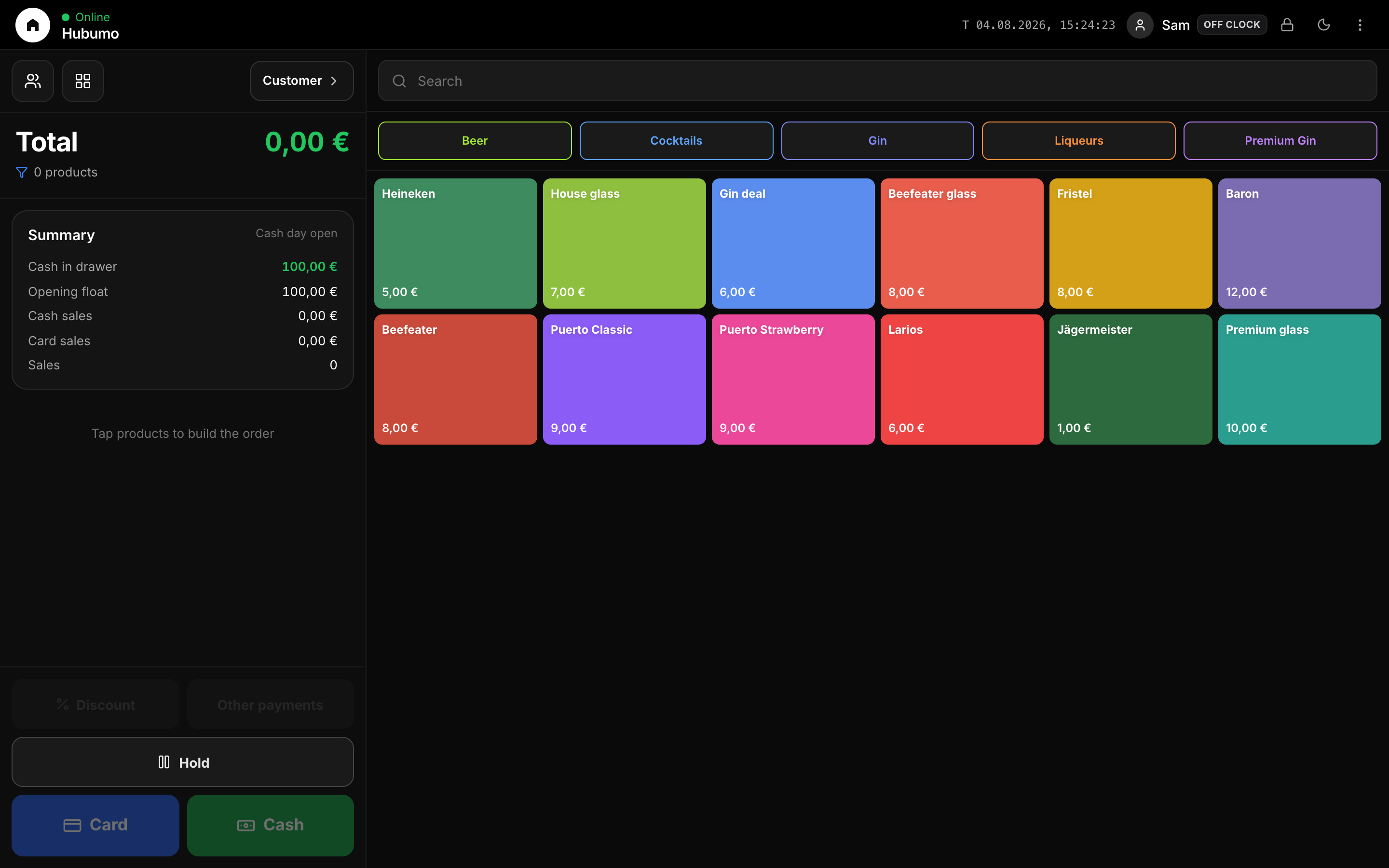
Log in to Manager to run the night, or browse every other module from the full features list.